
You can manage your own profile and your children's profiles in one account.
Adding an athlete
-
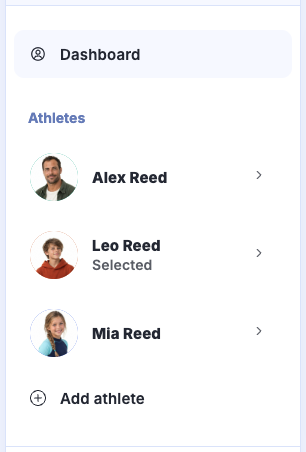
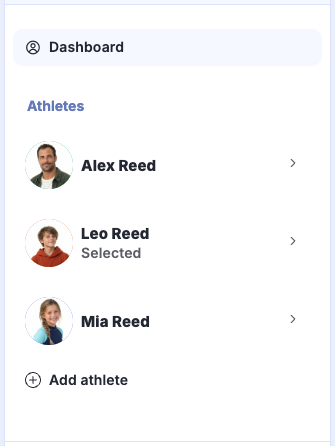
Click Add athlete in the sidebar. On mobile, open Menu first.
-
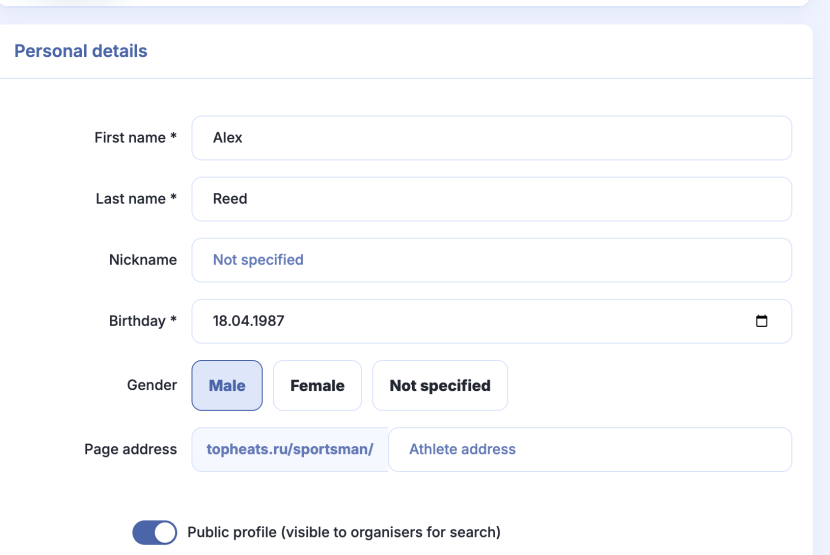
Fill in the athlete's details and click Save.
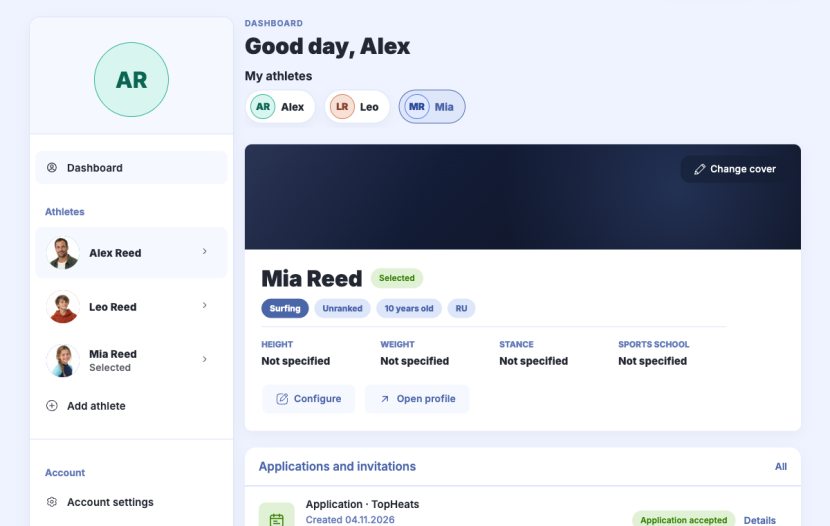
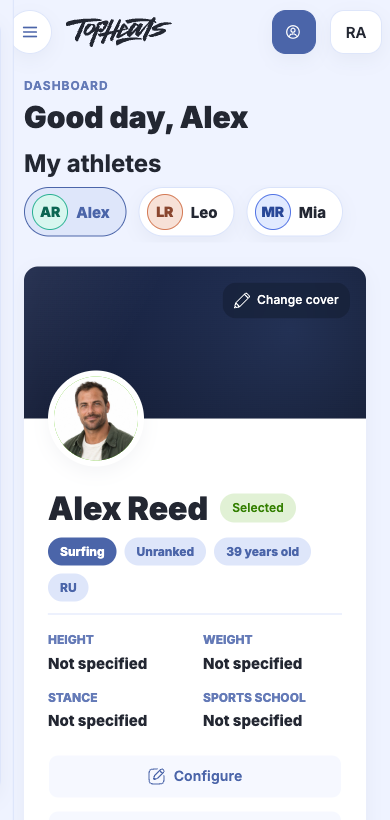
All profiles appear on the Dashboard.
If “Add athlete” is missing
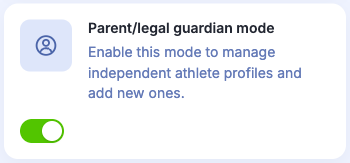
Open  Account settings, enable I am the athlete’s parent/legal guardian and save your changes.

Opening and editing a profile
On the Dashboard, click the athlete's name under My athletes.
To edit their details, click Configure on their card. Make your changes and click Save.
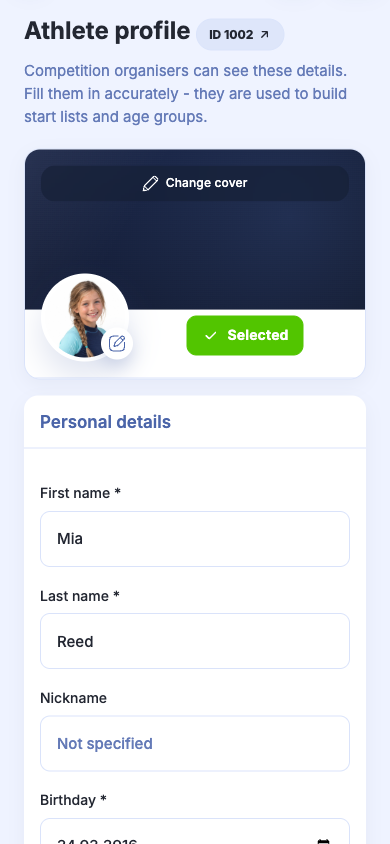
Submit a separate competition application for each athlete.