
For a draw with an extra qualifying round or different advancement paths, set rules separately for each round. Before building, check the division's athlete list and sort values: a lower number means a higher seed.
-
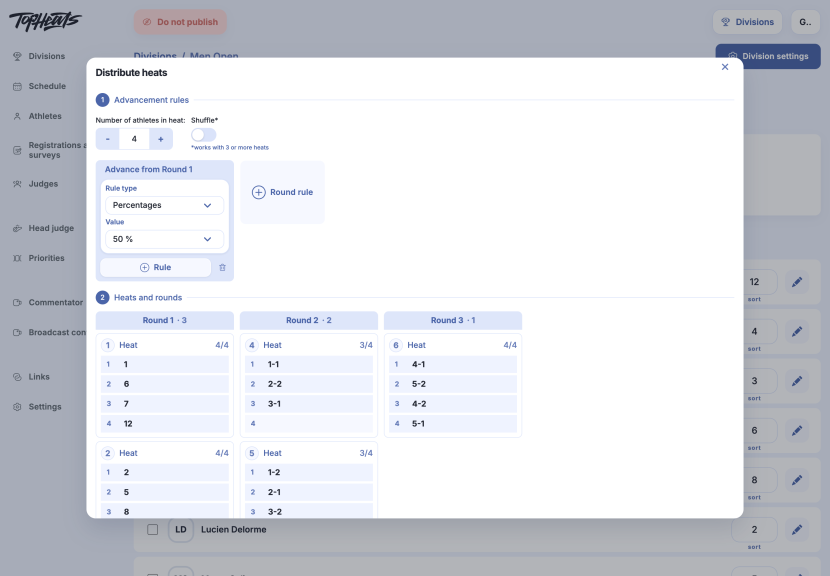
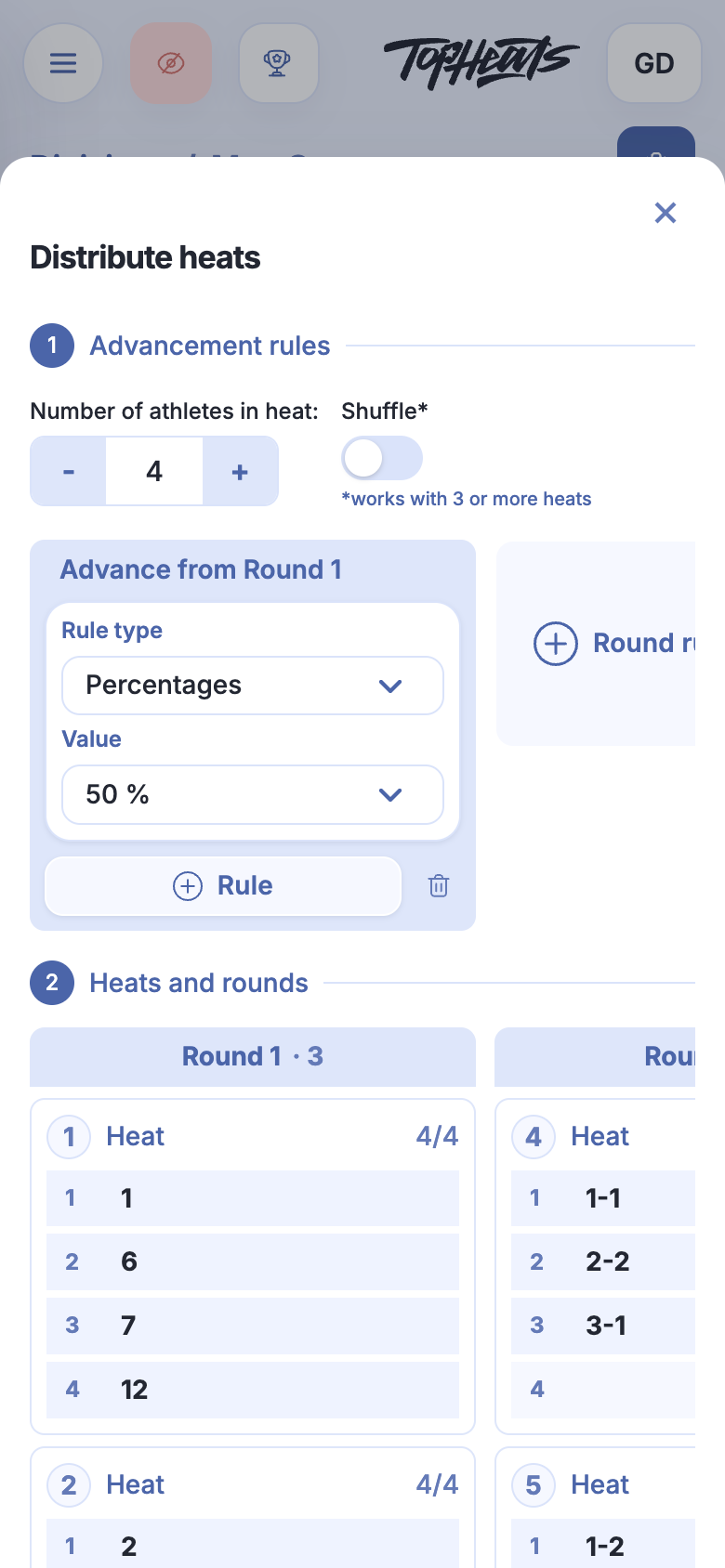
In the division's Athletes section, click Distribute heats and check the number of athletes per heat. If it suits your competition, there is no need to change it.
-
In Advancement rules, choose a rule type:
- Percentages — the proportion of each heat that advances.
- Places — specific places, separated by commas, and their destination round. For example,
1,2means first and second place.
-
Rule adds another advancement path from the same round. Round rule adds rules for the next round.
-
Check the preview in Heats and rounds. In a future heat,
1-3means third place from heat 1.
Example with an extra round
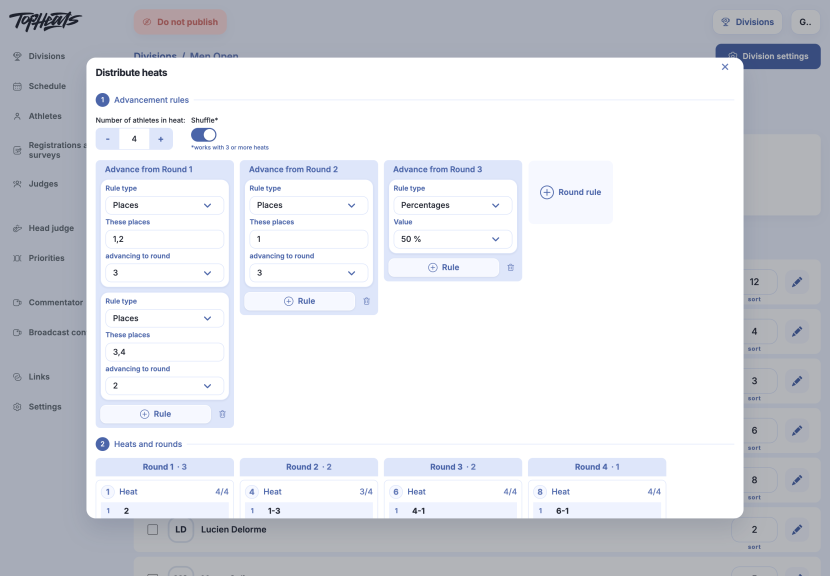
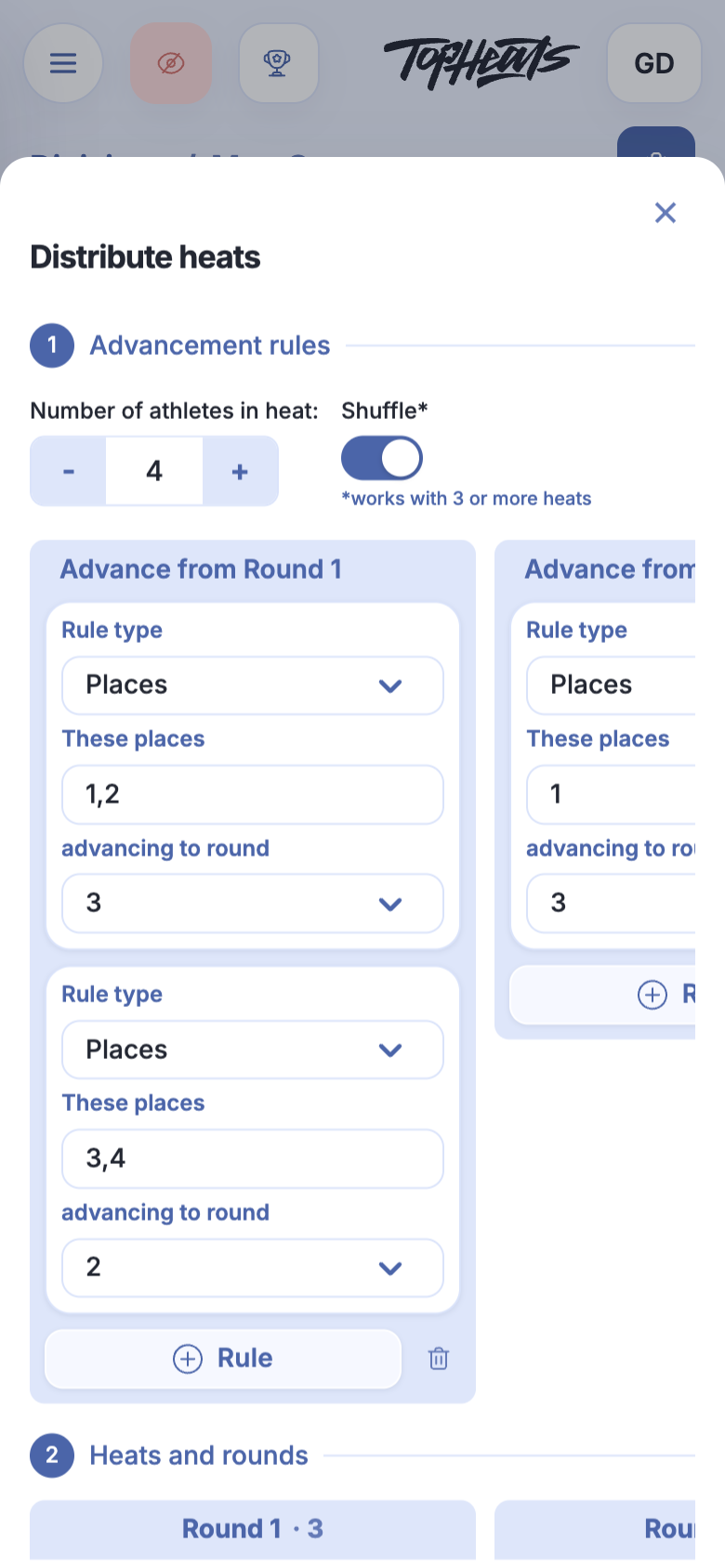
This draw has 12 athletes, with four per heat. Advancement works as follows:
| From round | Places or percentage | Destination |
|---|---|---|
| 1 | Places 1,2 |
Round 3 |
| 1 | Places 3,4 |
Round 2 |
| 2 | Place 1 |
Round 3 |
| 3 | 50% |
Next round — the final |
Athletes finishing third or fourth get another opportunity in round 2. Its winners join the athletes who advanced directly to round 3.
Shuffling heats
Shuffle works with three or more heats. It changes how seeds are distributed between heats. For example, in the illustrated draw, the highest and lowest seeds meet in the second heat of round 1. This changes the order of appearances while retaining a distribution based on seeding.
Review the whole preview and click Build >. You can rebuild while the division has no started or completed heats; the new draw replaces the previous one.