
-
In
 My events, open the event and go to Divisions → Create division. Enter a title and choose a Template and Discipline.
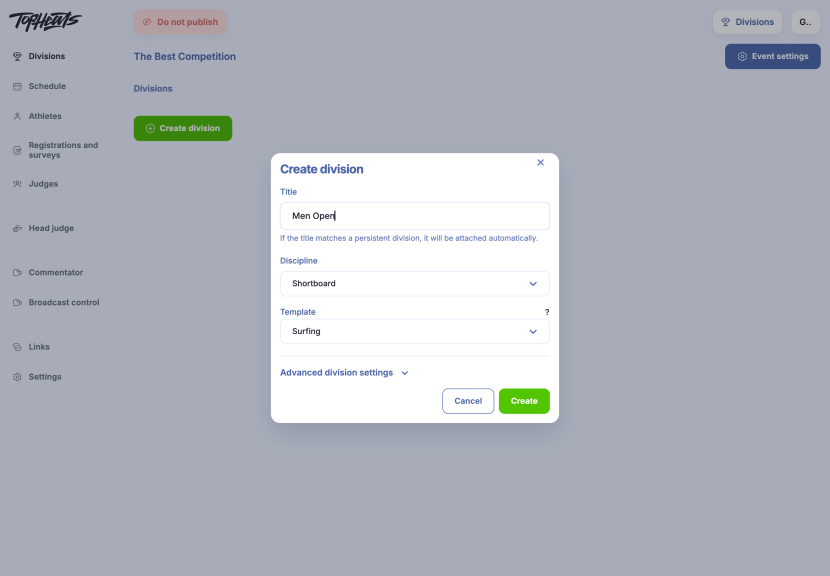
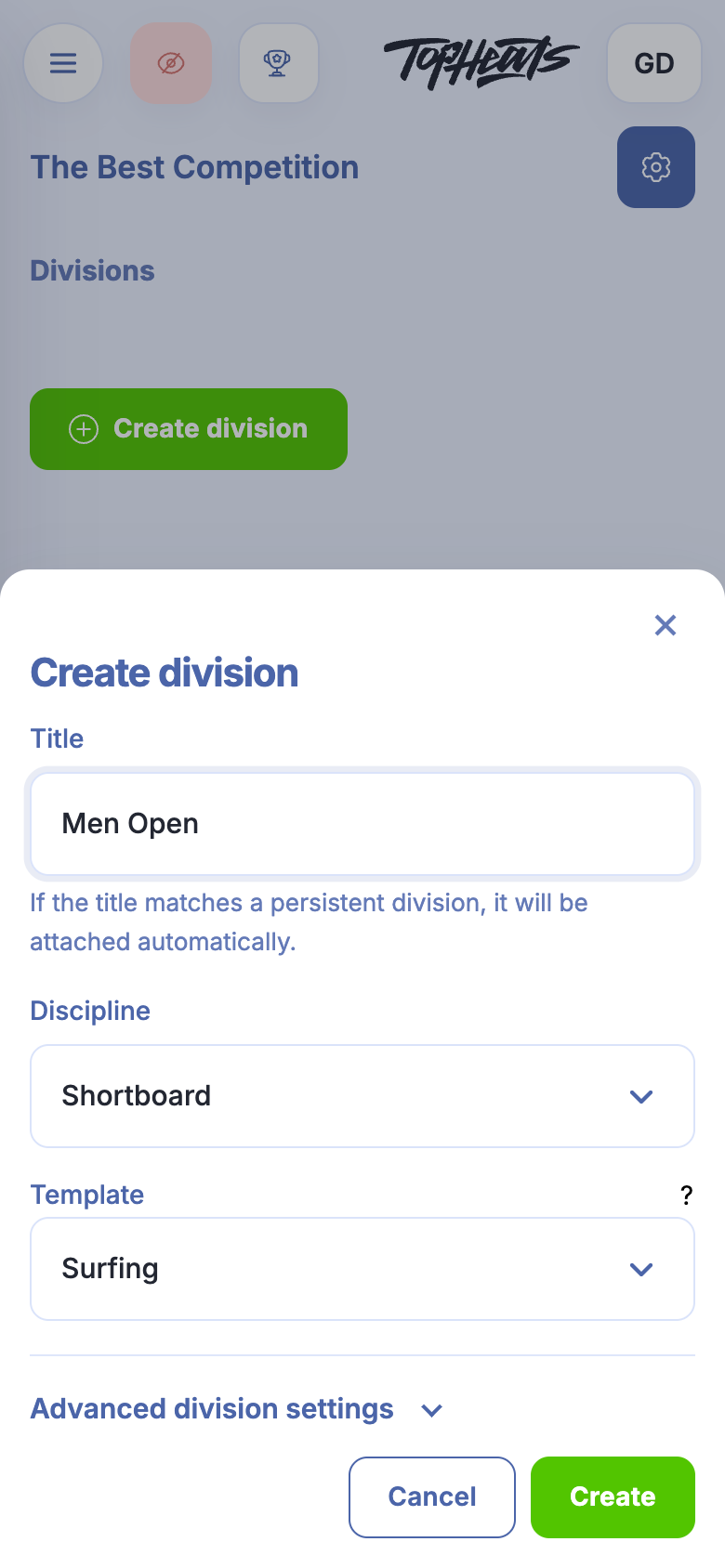
Template determines the scoring system. The default usually suits the event. If none of the available templates fits, or you need a custom template, contact support.
Discipline lets results and athlete rankings be recorded separately for each discipline.
-
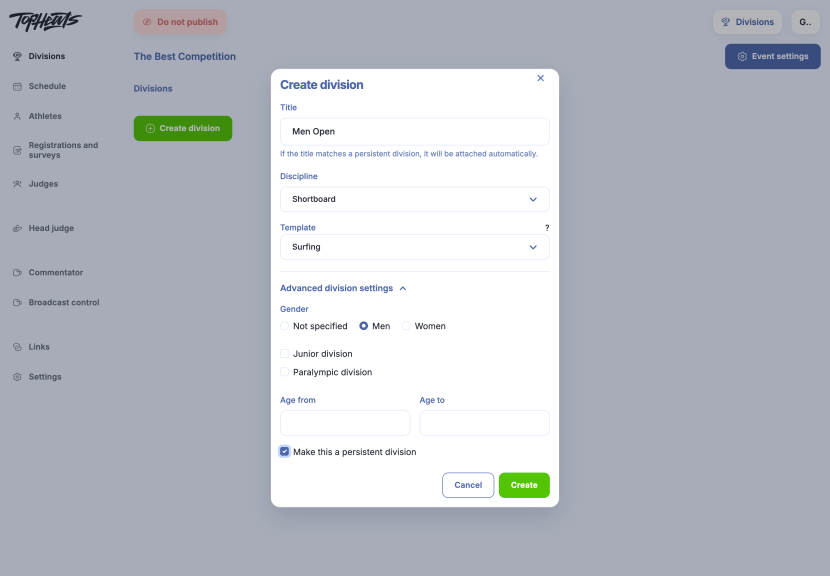
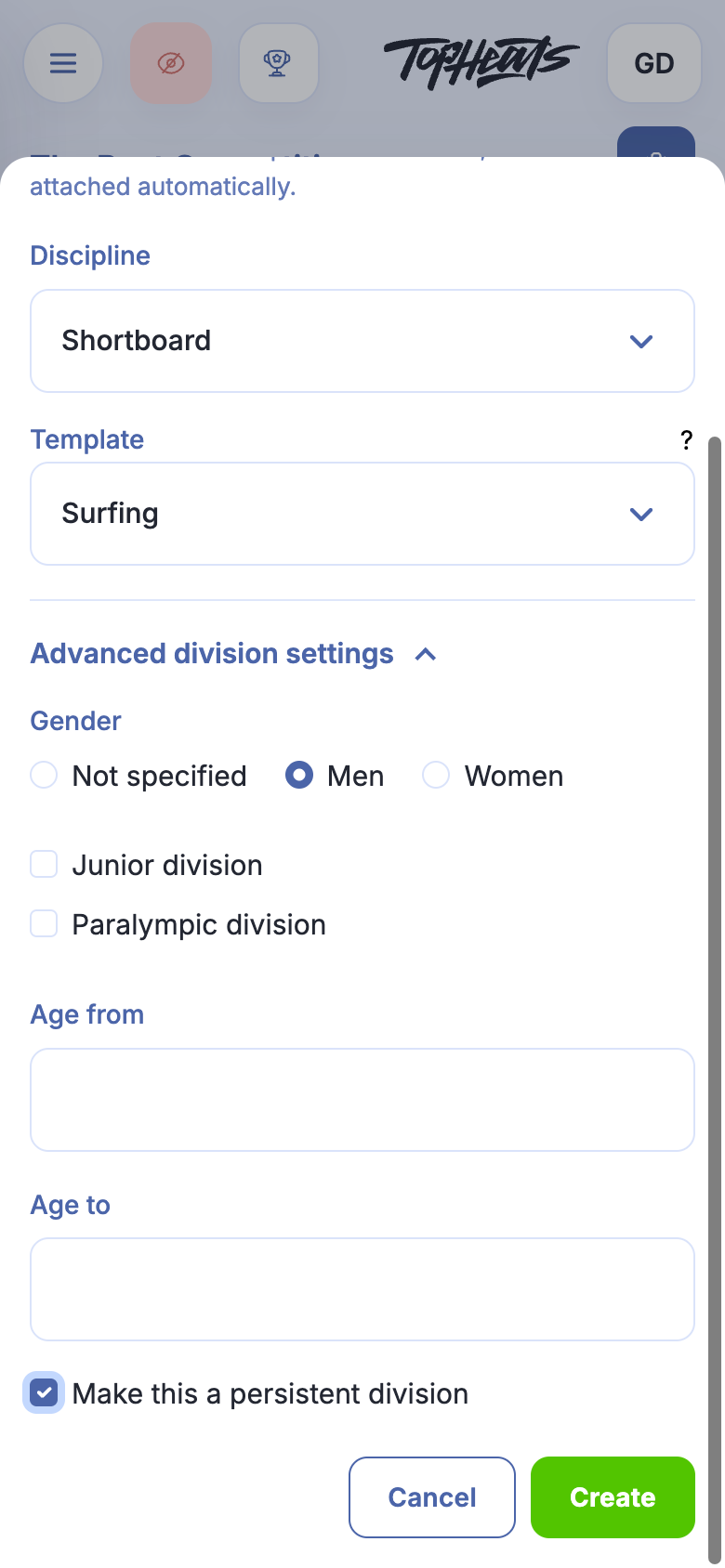
Title, template and discipline are enough to create a division. Advanced division settings let you specify eligibility: gender, age limits, or a junior or Paralympic category.
These settings help athletes find a suitable division during registration. They may also be used for points and rankings, for example to keep junior and adult results separate.
-
Click Create. The division appears in the event's list.
Heat size and number of rides
-
Open the new division. Division settings is at the top right; on mobile, it appears as a gear icon.
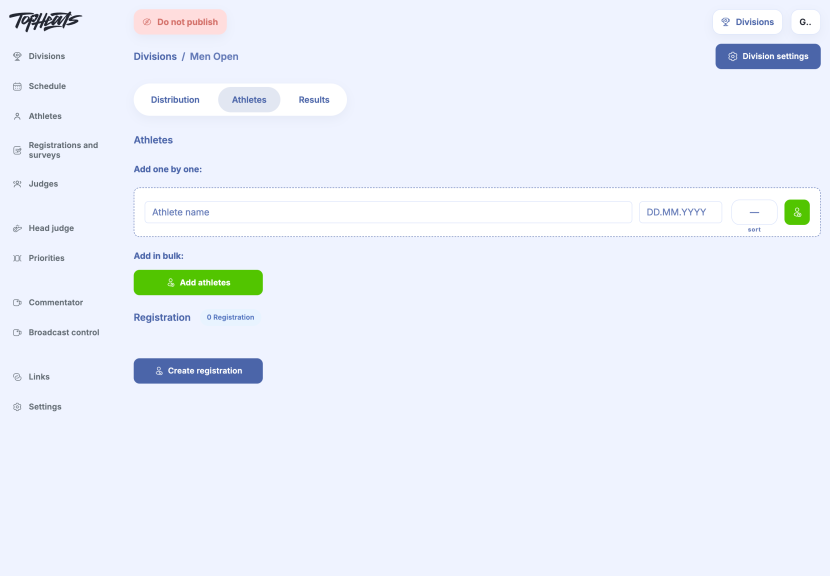
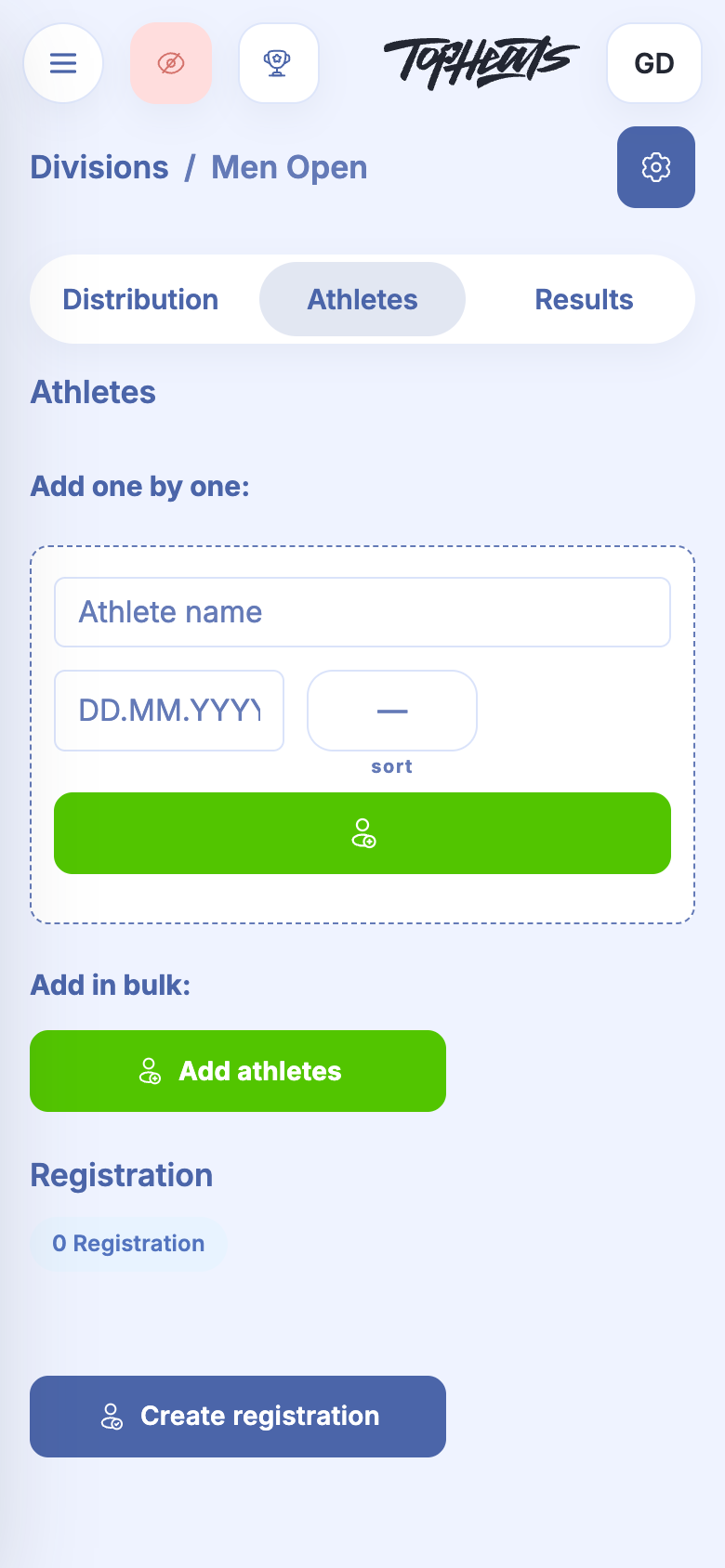
-
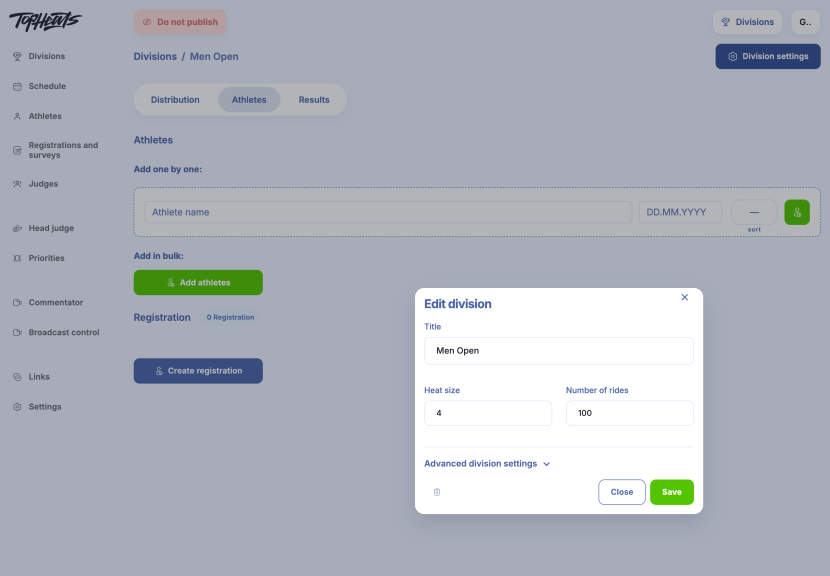
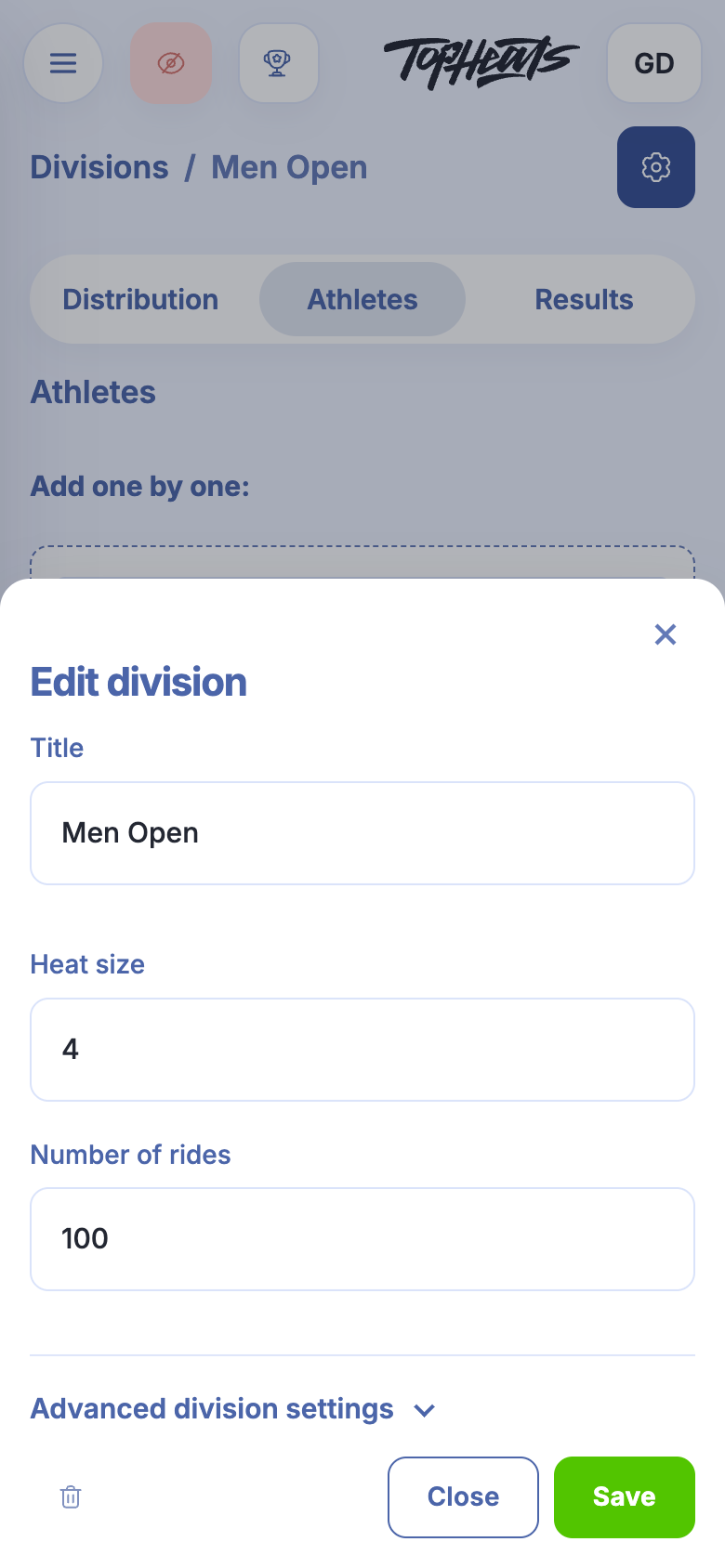
Heat size sets the number of athletes per heat, while Number of rides sets the available attempts. This example uses four athletes and 100 rides. If those values suit your competition, there is no need to change them.
-
Save applies the changes.
To reuse these settings in other events, create a persistent division.
The division is ready. Next, add athletes, then distribute them into heats.