
Open the event and go to Schedule.
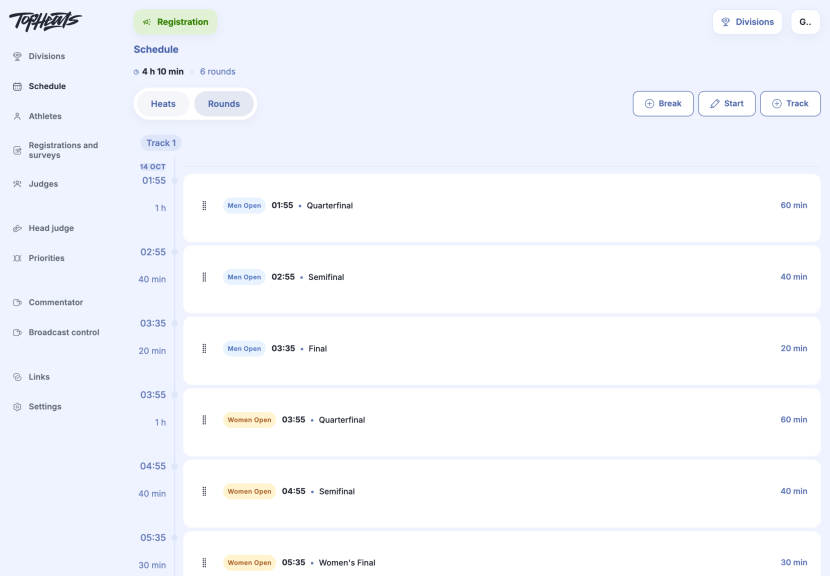
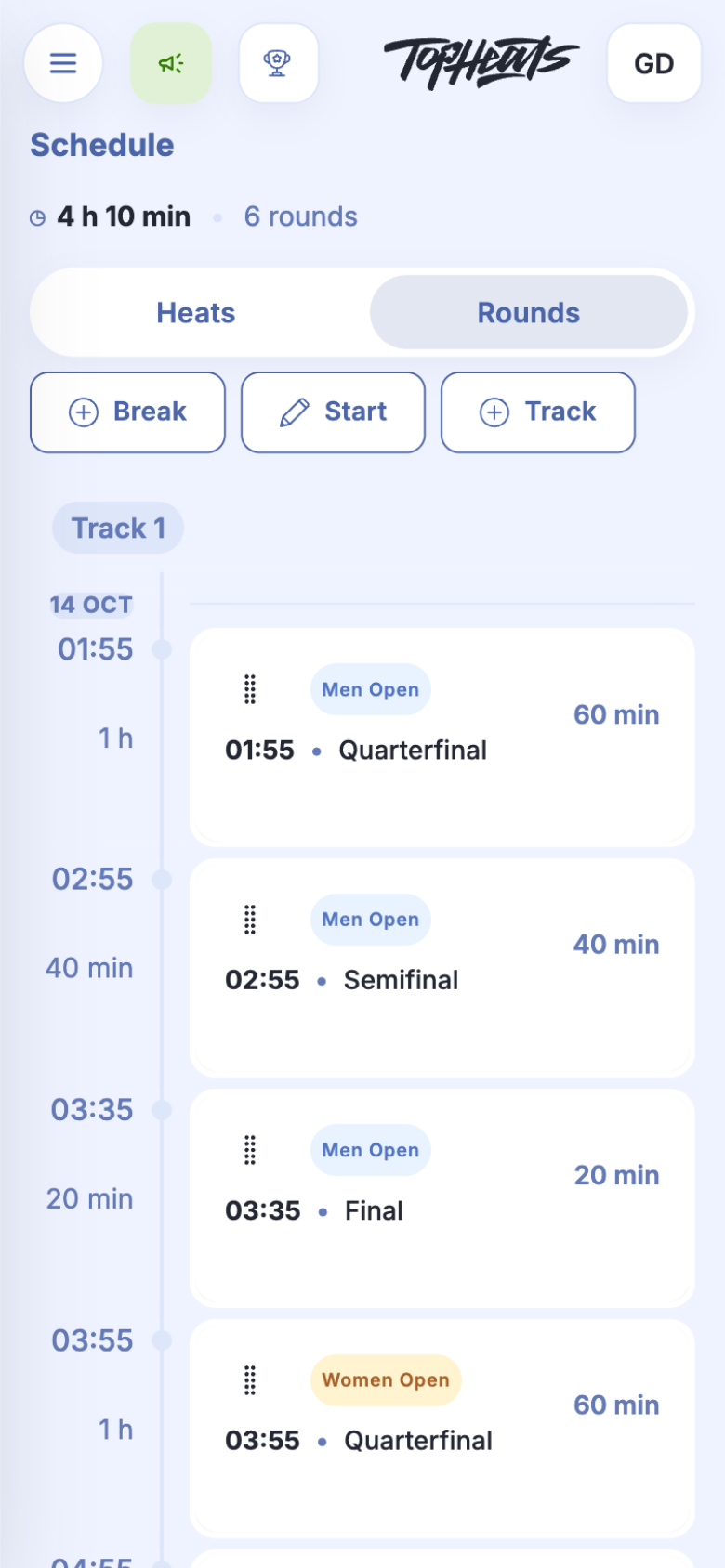
The schedule brings together heats from every division. It helps you set the competition's start time, alternate divisions and allow time for breaks.
Competition start time
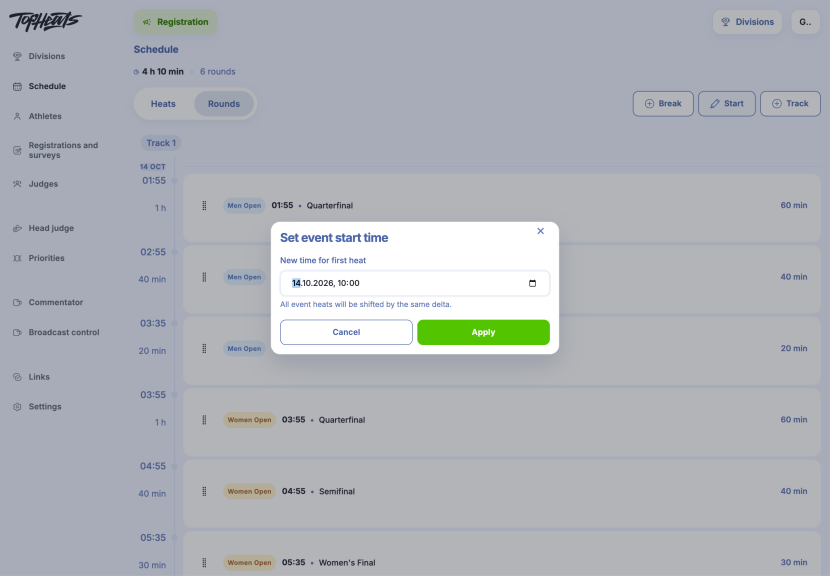
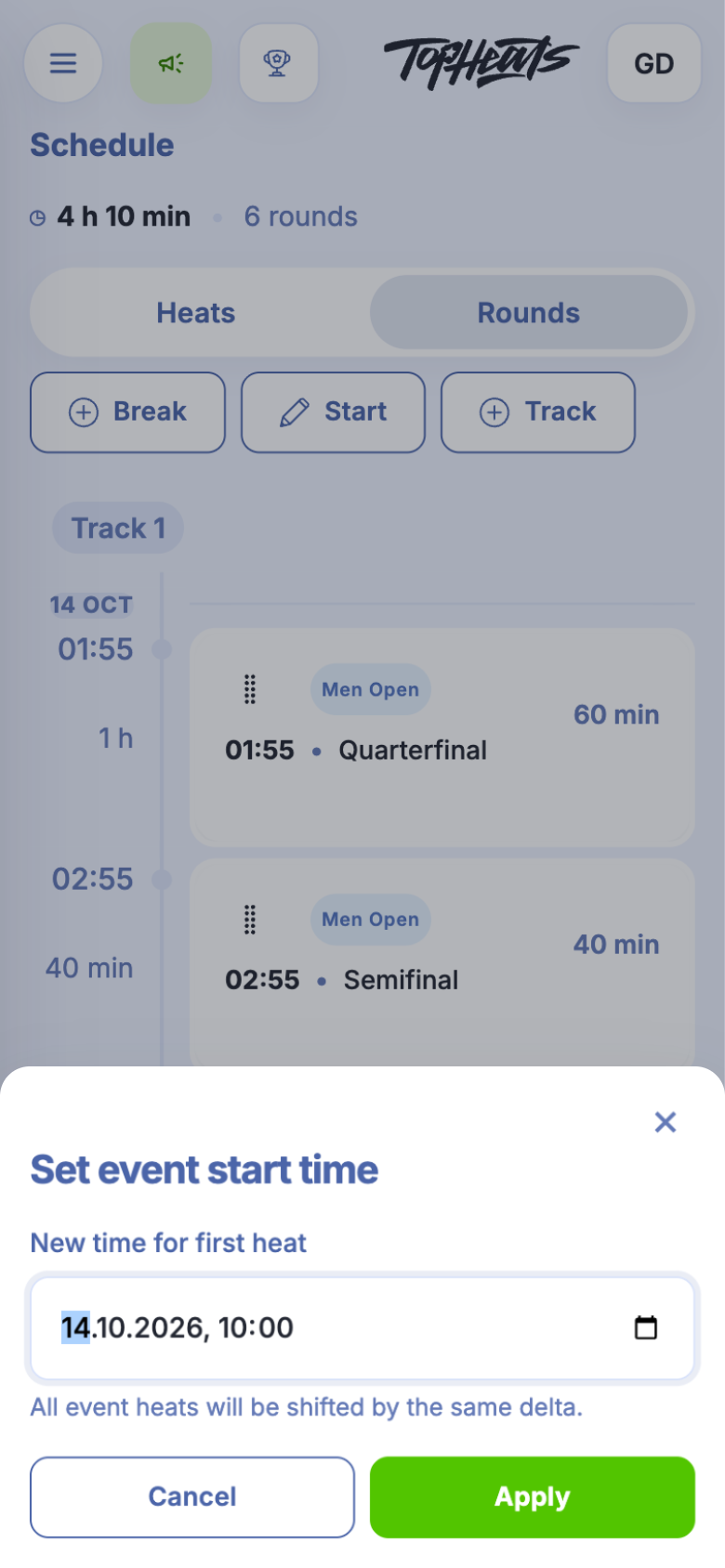
Changing the start time shifts every heat in the event by the same amount. This is useful when the start is delayed but the order of heats stays the same.
Start opens the date and time of the first heat. After a change, Apply recalculates the schedule.
Round and heat order
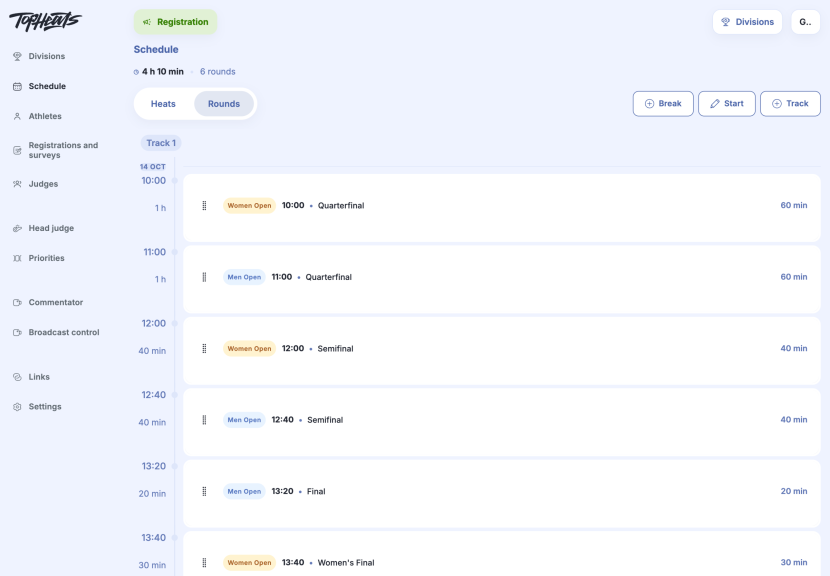
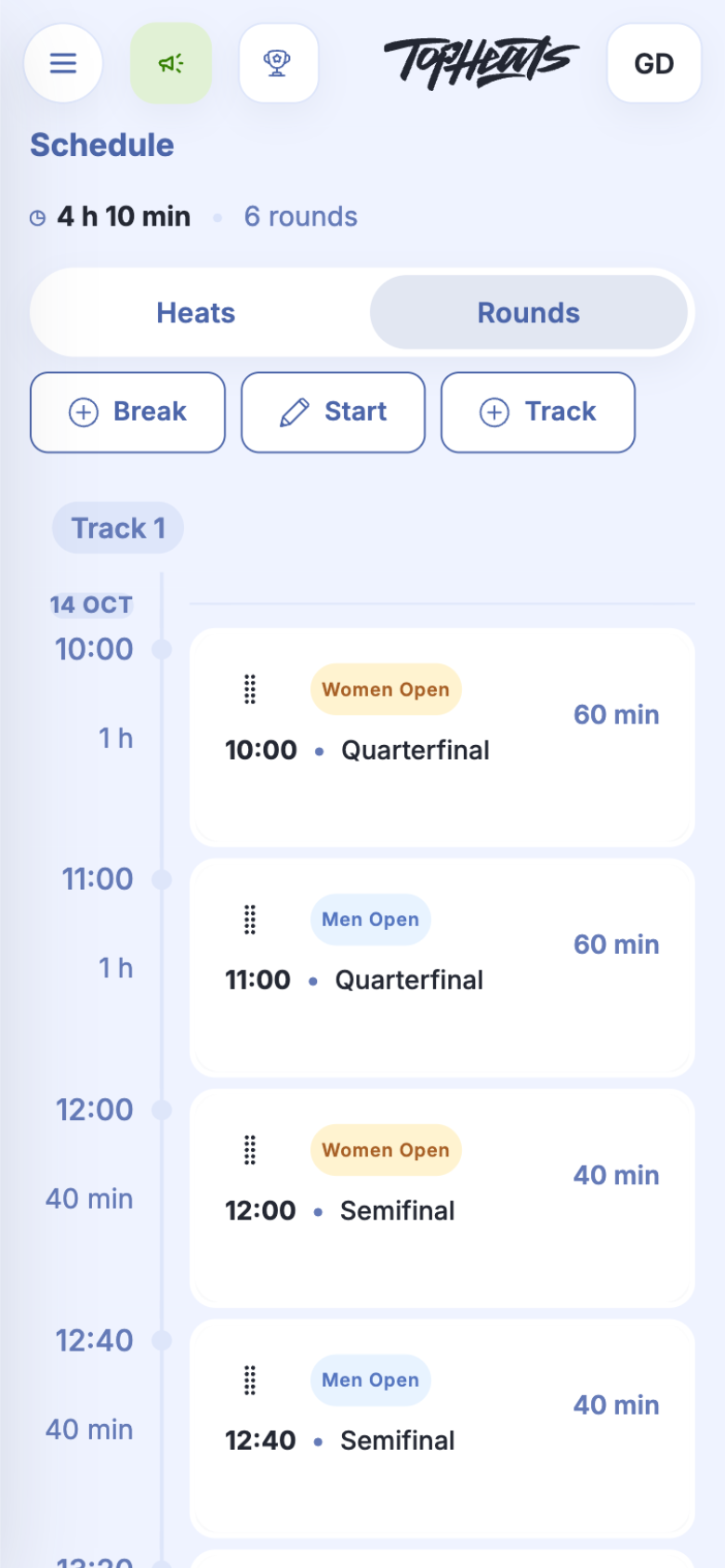
Rounds lets you move a whole round; Heats lets you move individual heats. For example, the women's quarterfinals can run before the men's, with the semifinals following in the same order.
Drag a row using the dotted handle on its left. Start times for later heats are recalculated.
A break until a set time
A break allows time for athletes to rest or for the venue to be prepared. You set its end time; its duration depends on the heats before it. If the semifinals finish at 13:20, a break until 14:00 lasts about 40 minutes.
-
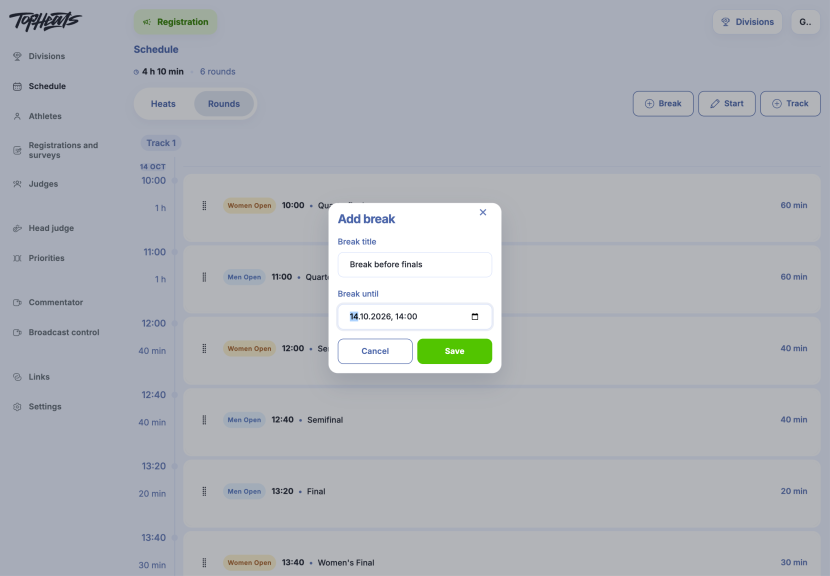
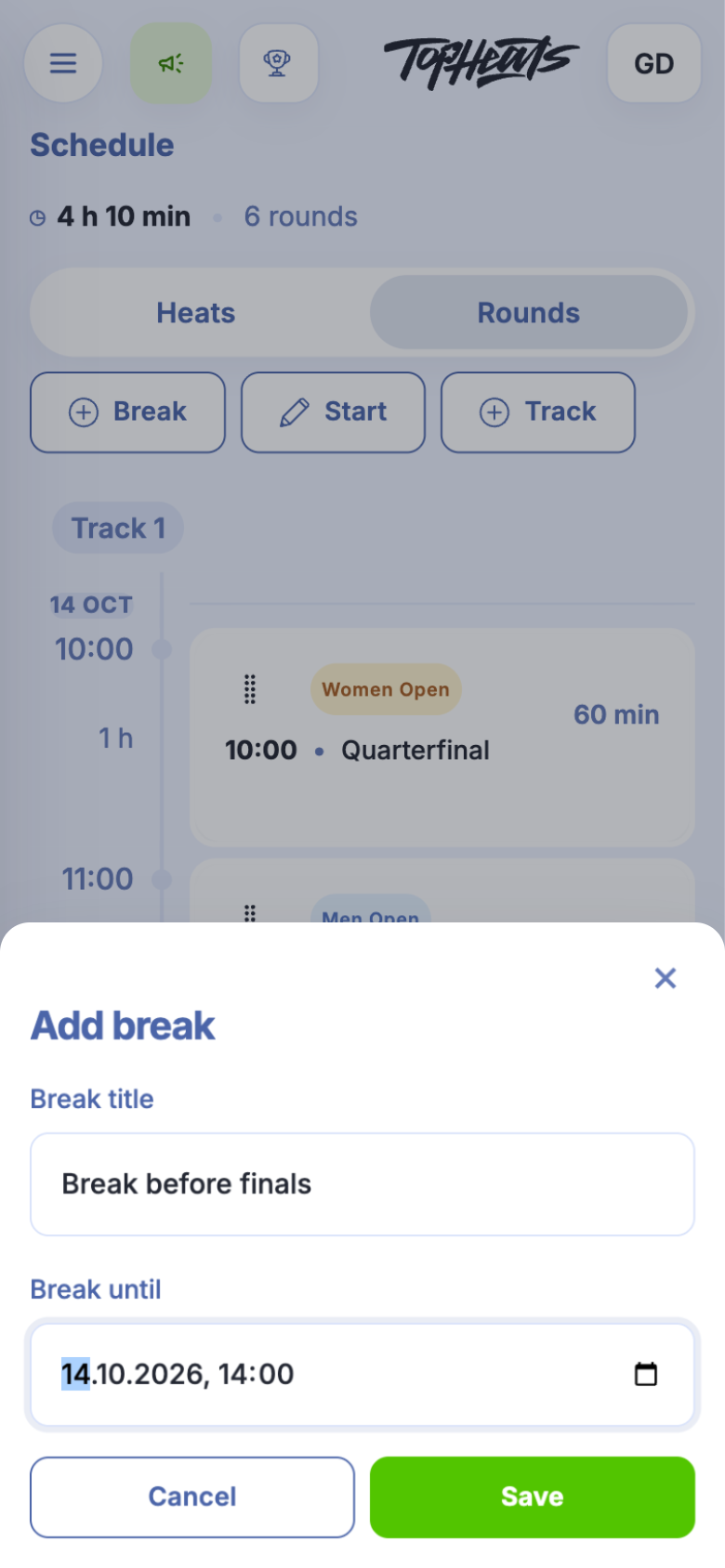
Break opens a form for the name and end time. This example adds a break before the finals, until 14:00.
-
Complete the form and click Save. The new row appears at the end of the schedule.
-
Drag it by the dotted handle to place it before the finals. Its duration is recalculated from the end of the preceding round.
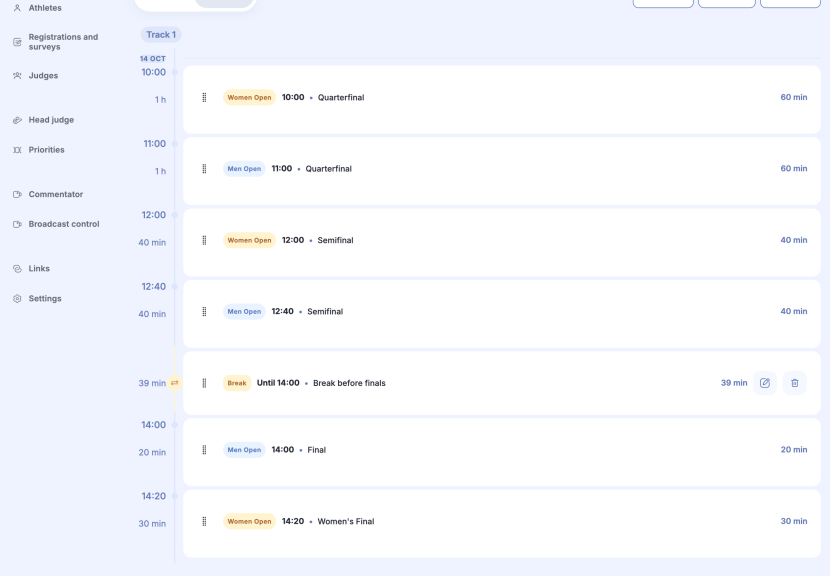
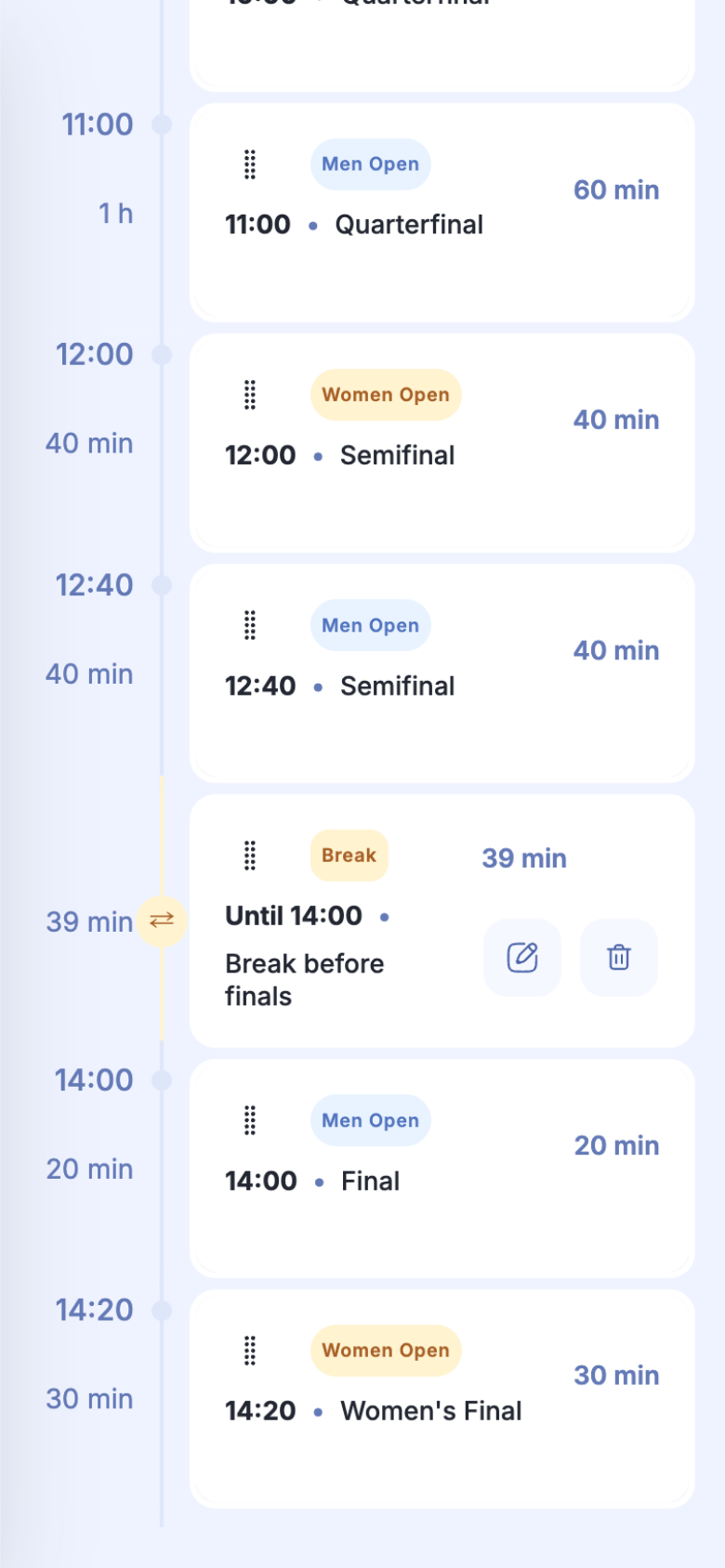
The pencil button in the break's row opens its settings if the time needs to change.
Duration of individual rounds
A final can have more time than the qualifying heats: for example, 30 minutes instead of 20. Set the duration for every heat in the selected round in round settings, then check the schedule again.