
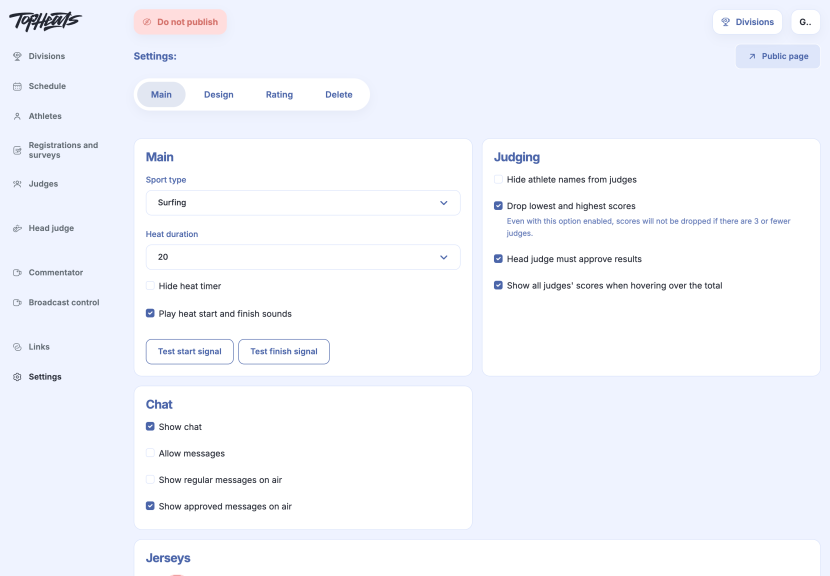
Open the event and go to  Settings → Main.
Main
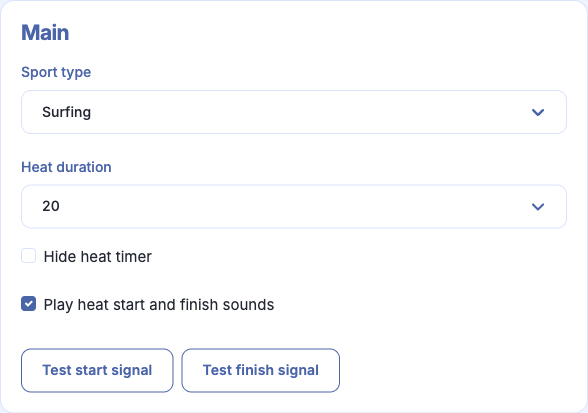
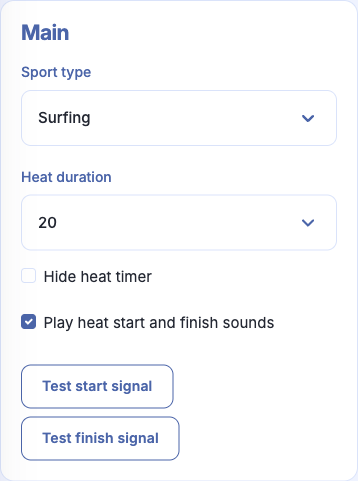
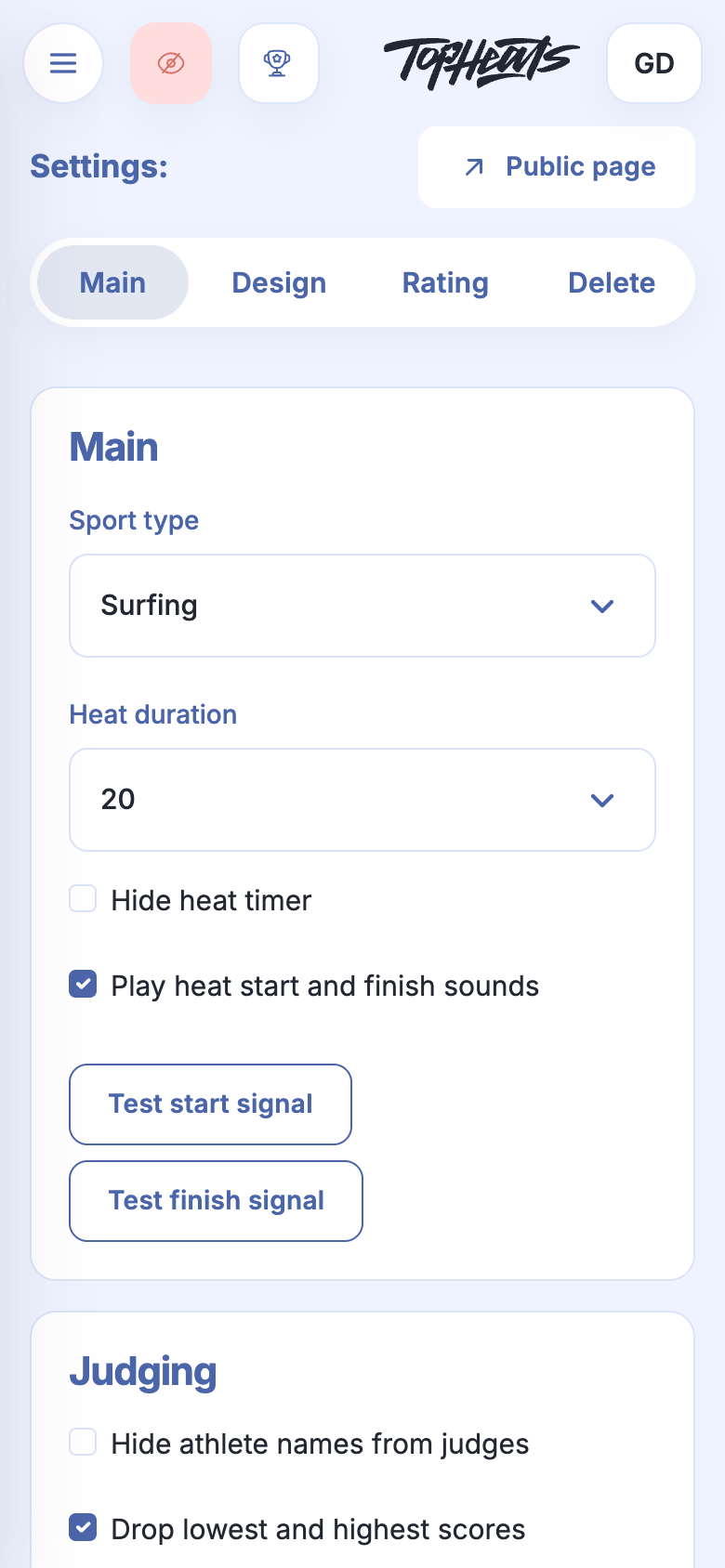
Heat duration sets the usual length of a heat. For example, most heats can last 20 minutes, with a longer final set separately in the round settings.
The timer shows how much time remains. You can hide it if this countdown is not needed on the competition screens. Sound signals mark the start and end of a heat; both signals can be tested beside these settings.
The sport type can be changed while the event has no divisions. Once divisions exist, the field is unavailable; contact support to change it.
Judging
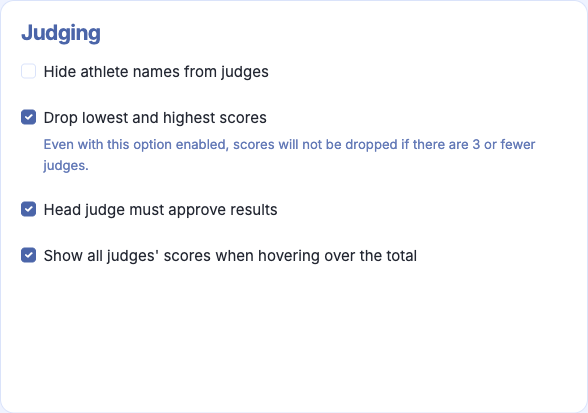
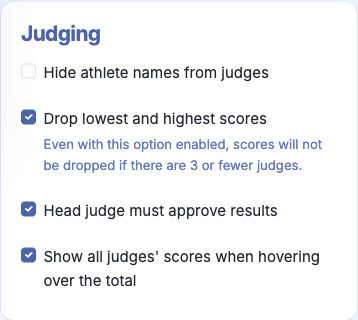
Hiding athletes' names from judges helps them assess performances without referring to the athlete's identity.
Discarding the lowest and highest scores excludes the extreme scores from the calculation. With three judges or fewer, no scores are discarded, even when this option is enabled.
Requiring head judge approval leaves the final confirmation of results to the head judge.
Showing judges' scores when hovering over a result reveals the individual scores in a tooltip, making the calculation easier to understand.
Chat
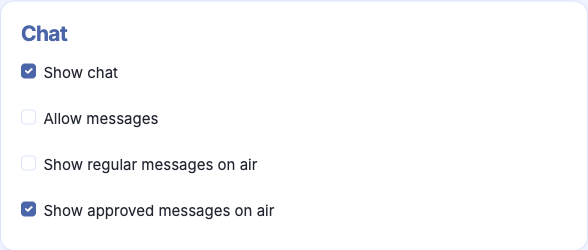
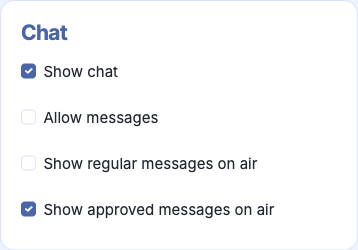
Chat visibility and permission to send messages are separate settings. This lets you keep messages available to read while closing the discussion.
Separate options control whether ordinary and approved messages appear in the broadcast. These let you choose which messages viewers see.
Jerseys
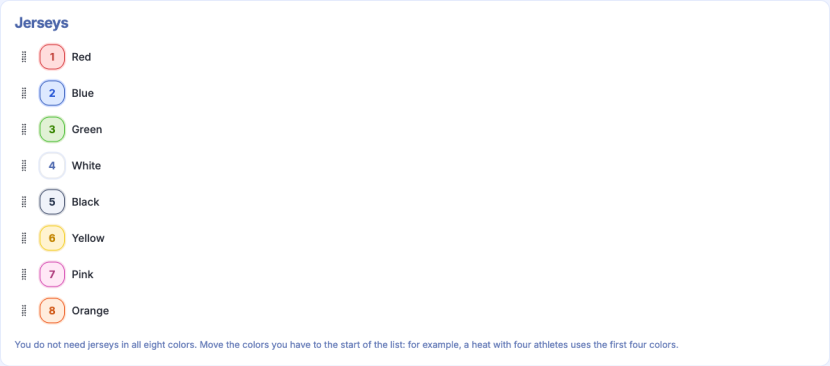
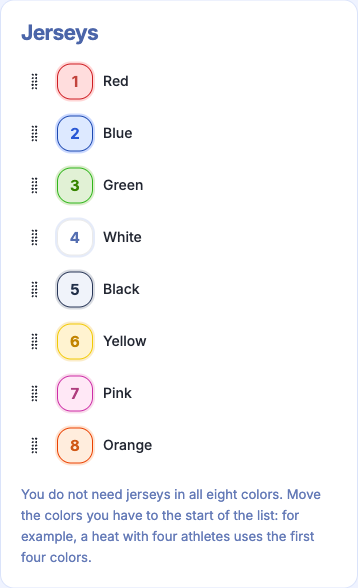
The colour order determines which jerseys athletes receive in a heat. A four-athlete heat uses the first four colours, so the colours available to the organiser should come first.
Colours can be reordered by dragging. It is useful to set their order before distributing athletes into heats.
Save event applies the changes.