
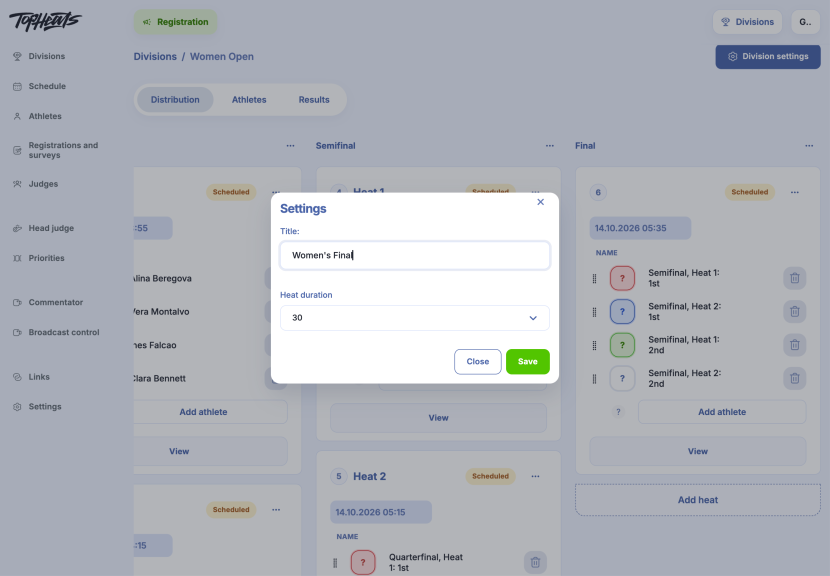
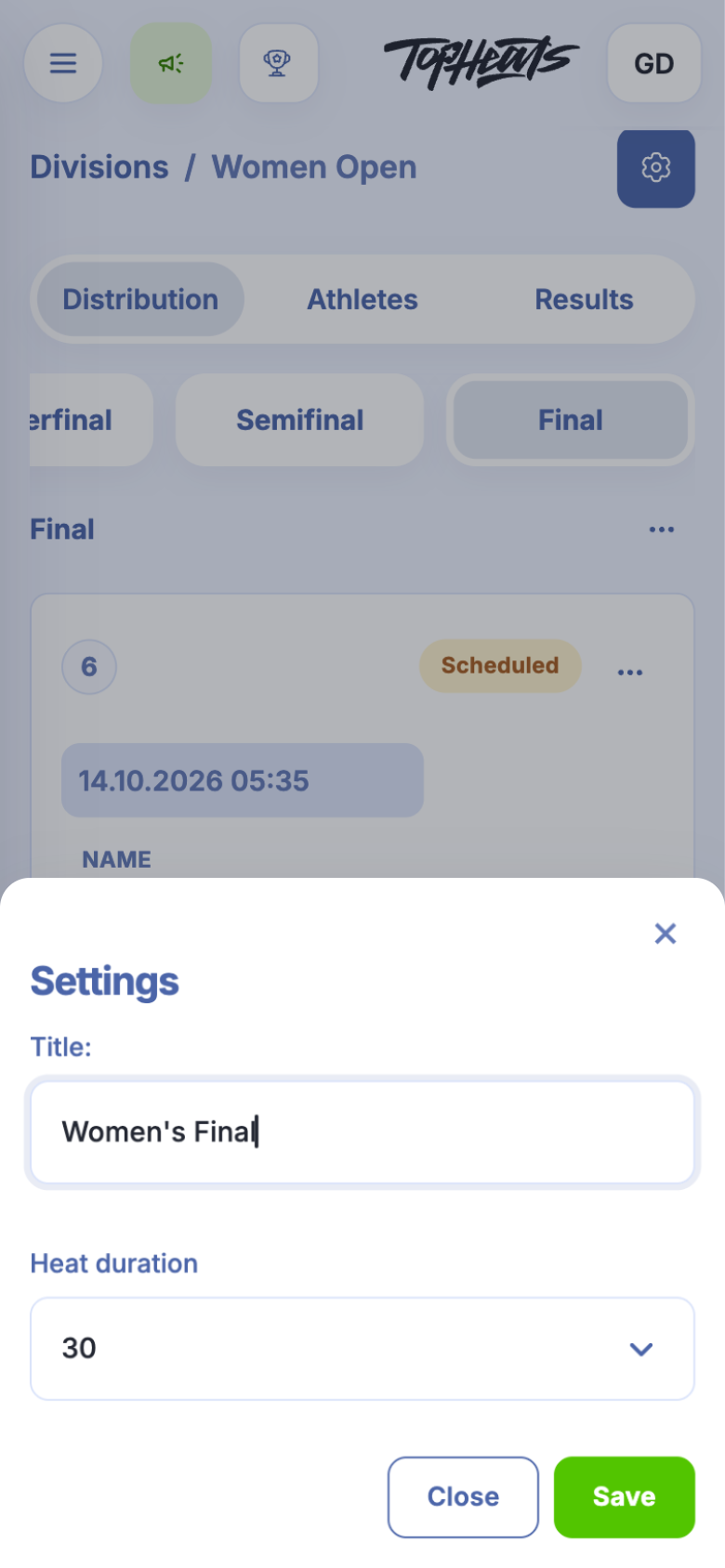
Each round has its own name and heat duration. For example, you can name the last round “Women's Final” and allow 30 minutes for its heats while keeping qualifying heats at 20 minutes.
-
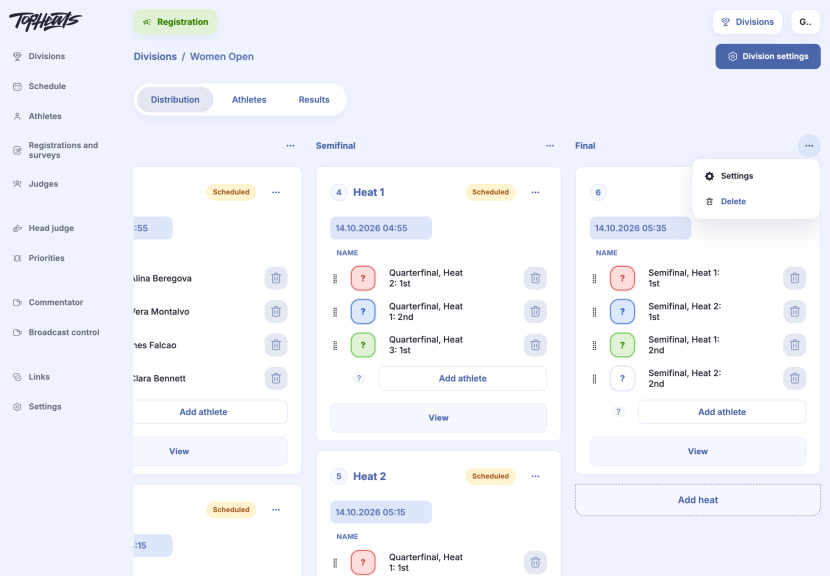
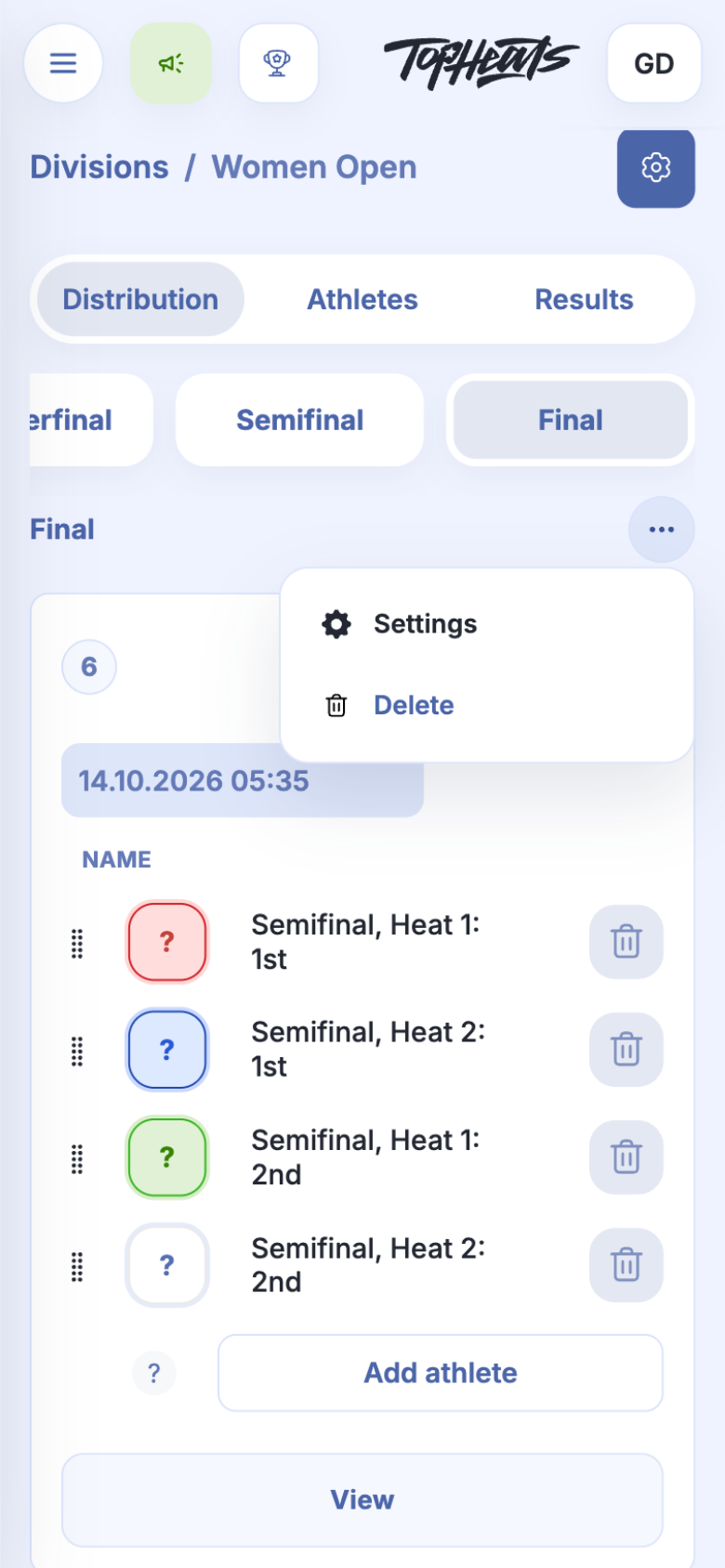
Open the division's Distribution tab. In the three-dot menu beside the round's name, choose Settings.
-
Change the name and Heat duration, then click Save.
The duration applies to every heat in the selected round. Check the event schedule after changing it, as later start times depend on the length of earlier heats.
The new duration also applies to a heat already running in this round. If the timer on an open heat page has not updated, refresh the page. Completed heats are unaffected.