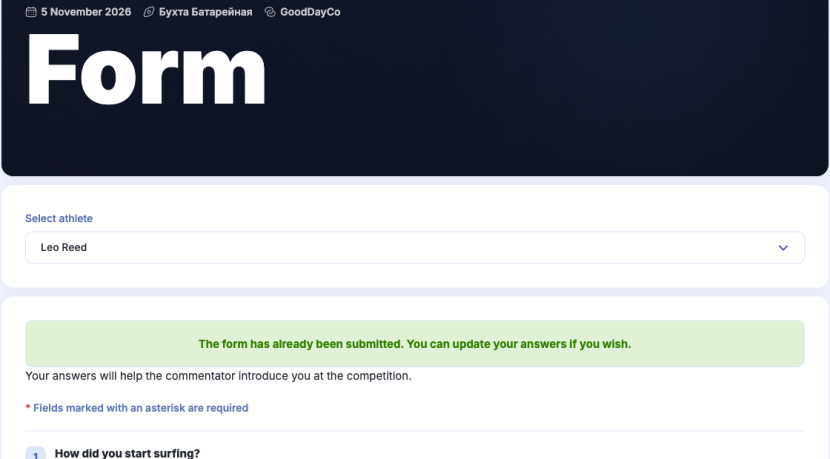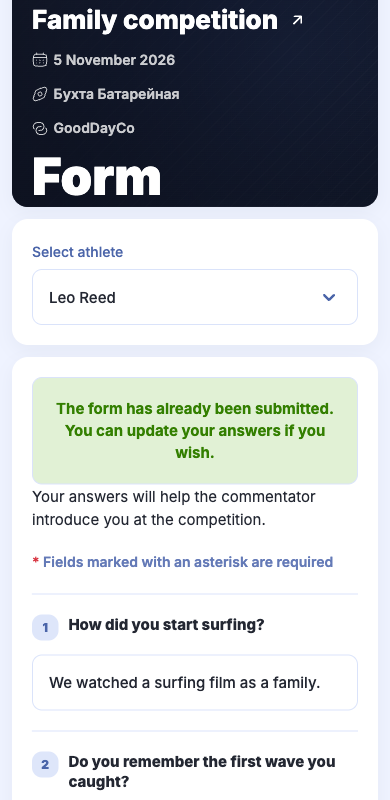
Your answers help the host and commentators tell viewers about you. They are also visible on the competition page. The questionnaire opens after your competition application is approved.
-
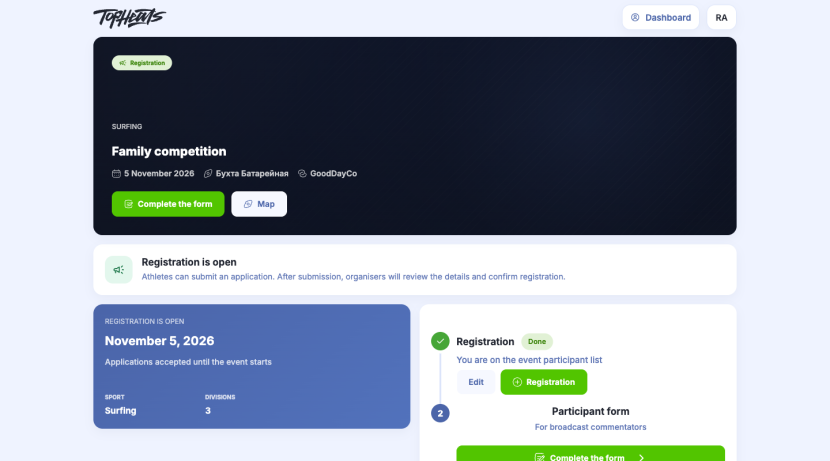
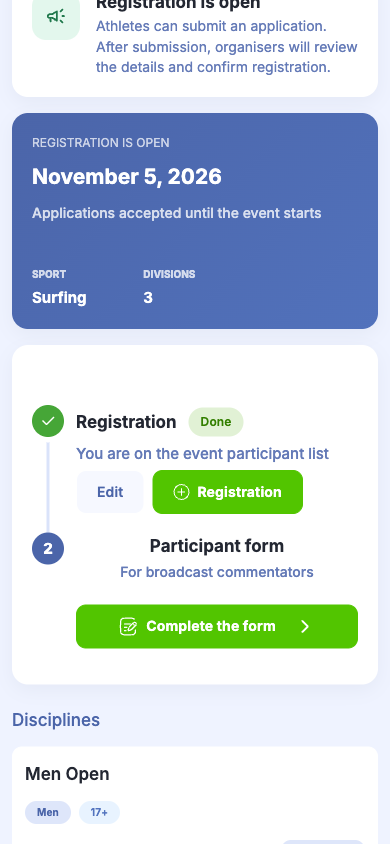
On the competition page, click Complete the form under Participant form.
-
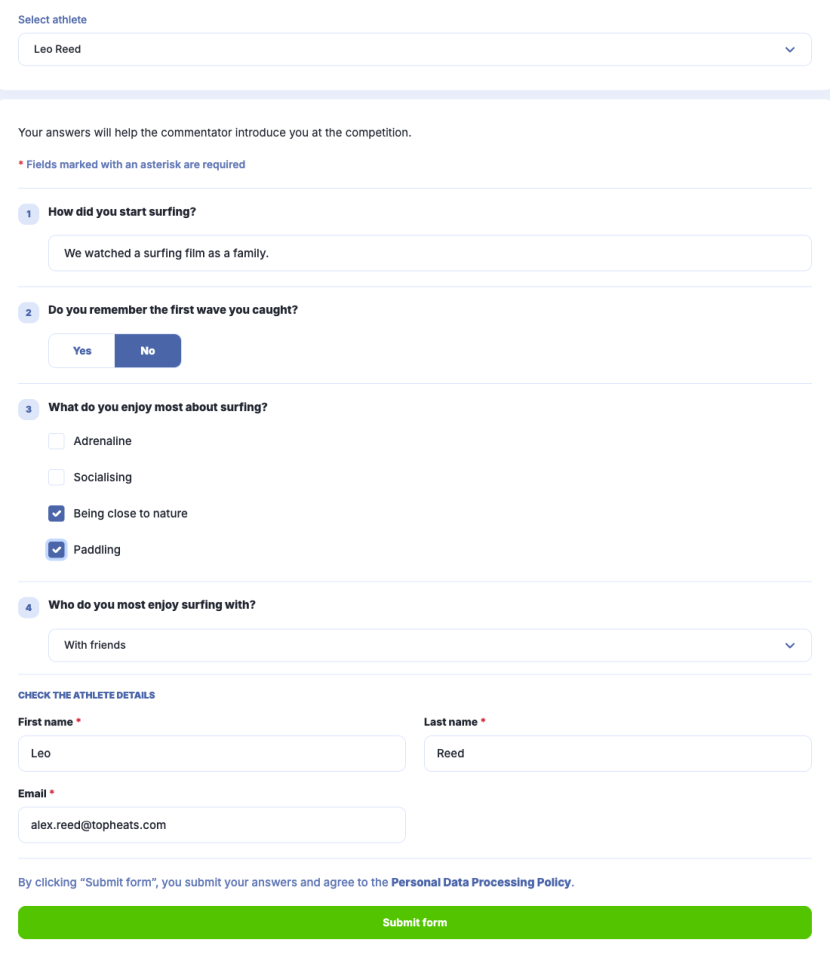
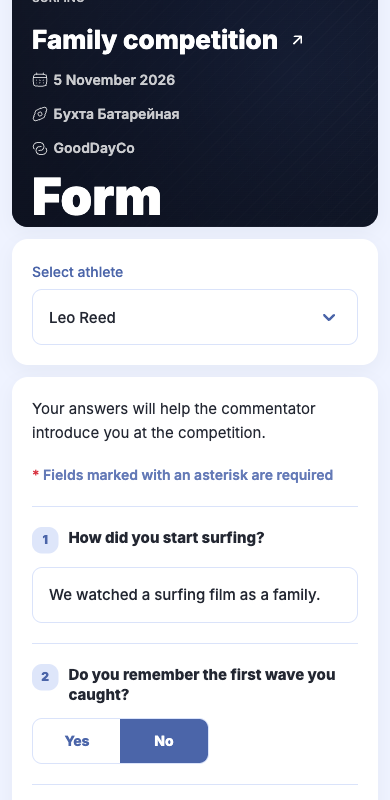
If your account has several profiles, choose the right one under Select athlete.
-
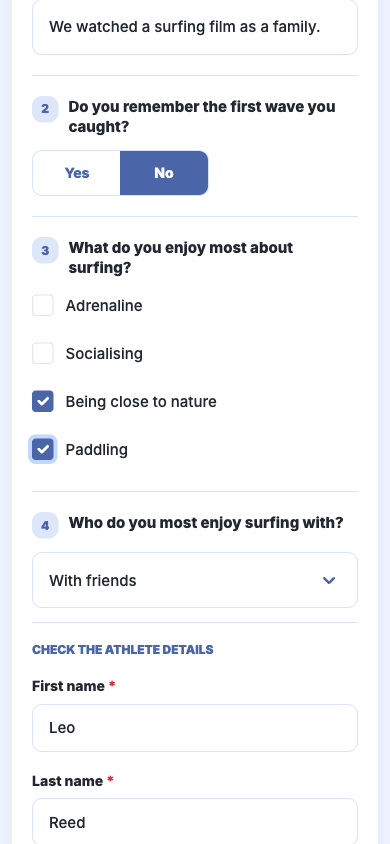
Answer the questions.
-
Click Submit form.
Questionnaires for other family members
Open the questionnaire again and choose another athlete. Complete a separate form for each person.
Changing your answers
Open the questionnaire, select the athlete and edit their answers. Click Submit form again.